Conselit
The product
A personal inbox and dashboard for everything that needs my follow-up. The goal is one list of everything: items flagged for me in Notion, Teams, Slack, Linear and other apps, which show up by themselves, together with anything I capture wherever I am, on my phone, at my desk or by voice while driving. Agents then process those items for me.
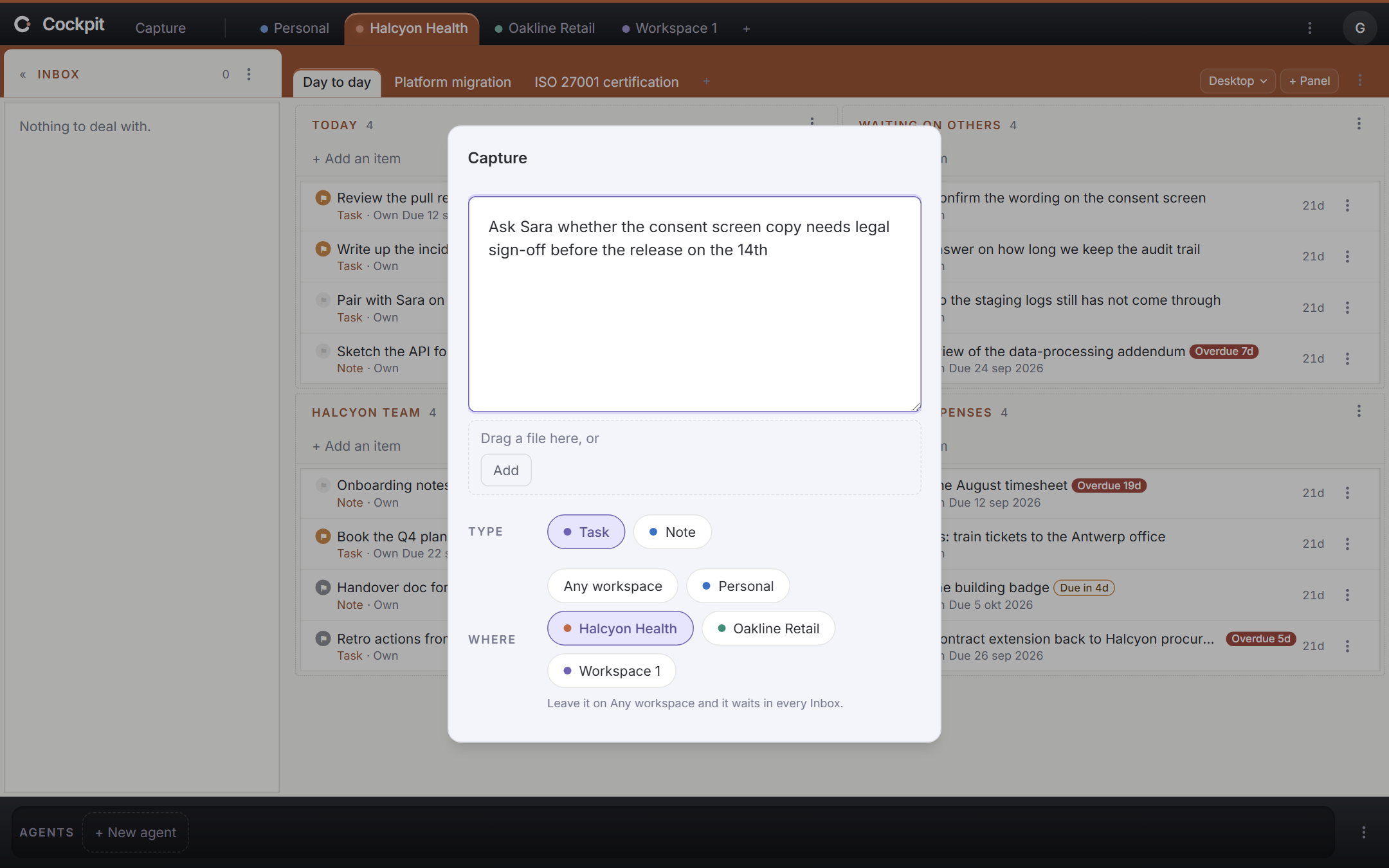 Capture: write down whatever is on your mind, and choose where it goes
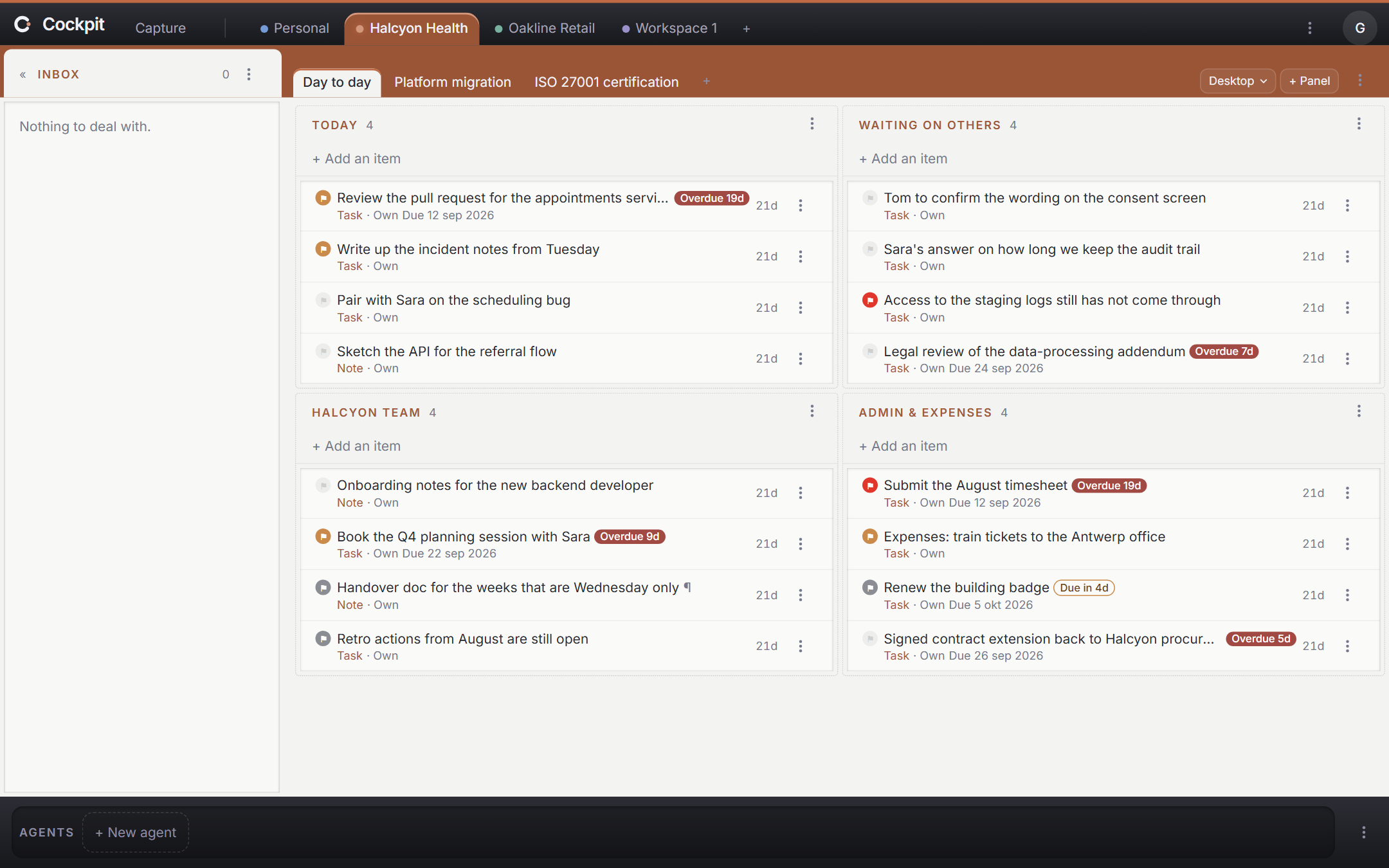 A workspace's dashboard, with the inbox on the left and the agents dock at the bottom
Why I built it
Two reasons. The first is a problem I had. My overview of what to follow up on was a Notion board I filled in by hand, so a Slack message only counted once I had copied it there. Sorting cost too much effort, so the board became one long pile. Labels like "today" stayed on items long after the day had passed, and things got lost.
The second is that I wanted to build a whole product agentically, not read about it. Cockpit is greenfield and in production, written by agents from the first commit while I steer the design, the tests and the checks. The convictions on this site come from that, and where one does, it links to the real file or command in the repository.
What it does
Things I have to follow up on land in many apps: flagged email, Slack messages, Notion comments and actions. Cockpit collects them in one place, on dashboards made of movable panels, organised by project, person, topic and priority.
A second step adds an inbox. Everything new arrives there as something to deal with, and you read it, answer it or flag it for later. Flagging feeds the dashboards.
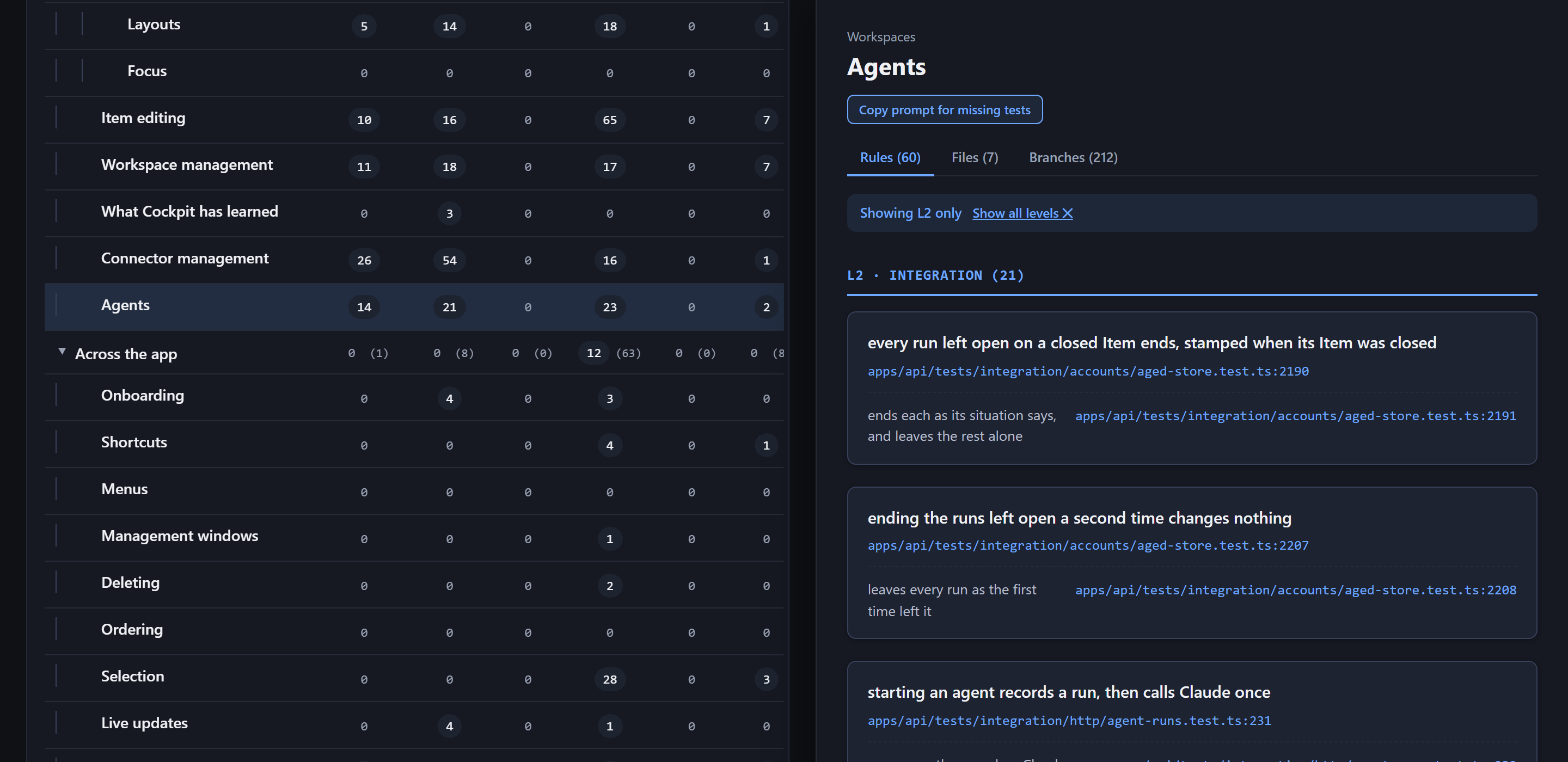
Items can also be handed to agents. My agents sit in a dock at the bottom of the screen, and I drag one onto an item to start a Claude Code session on it. For example, I drop my "Scope in Cockpit" agent on an idea, it starts scoping, and I follow up with it in Claude.
- Installable web app for phone and desktop.
- Sign in with a Google account.
- Keeps a local copy, so it opens fast.